This topic is primarily for tournaments that use the Request to Join or Open Join member policies.
In this case, any user with permissions for a match can request to add that match to an Open or Request Tournament.
Find and Copy the Match URL
The Match URL is required to invite a tournament member.
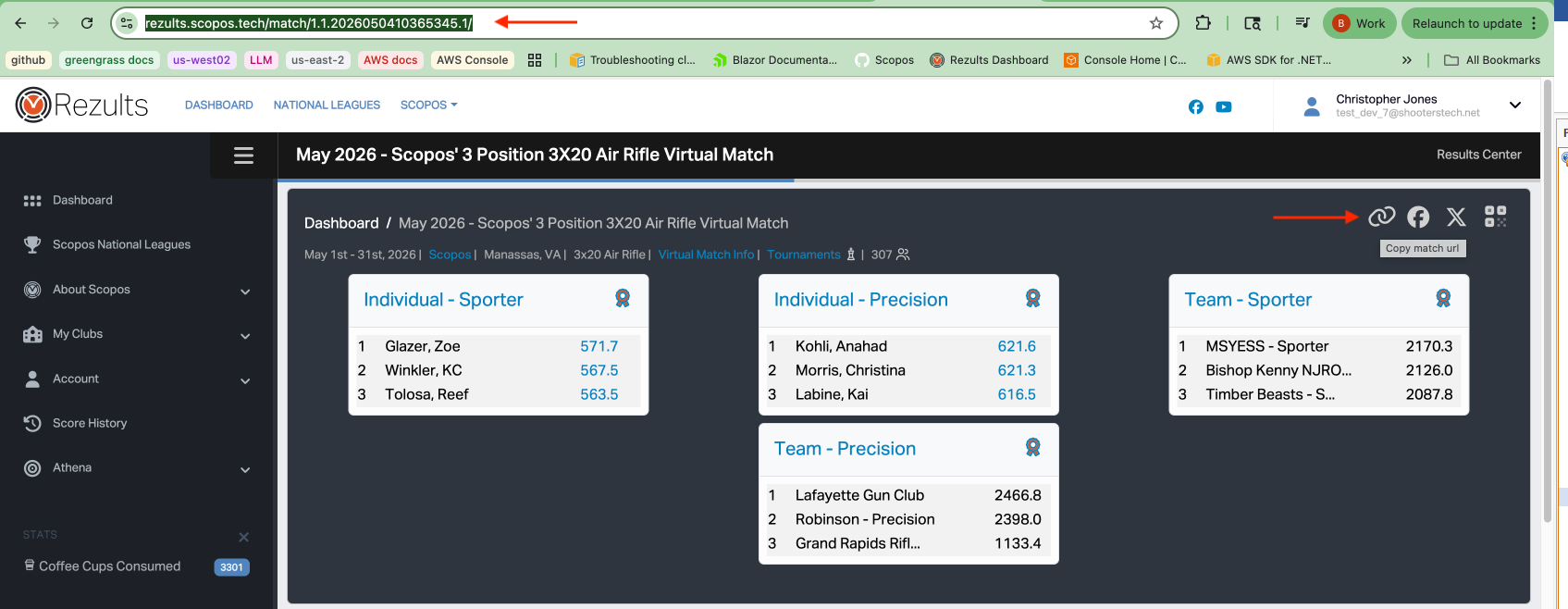
1.Navigate to the match on rezults.
2.Copy the URL from the search bar or click the "Copy match url" icon.
Request to Join
Use these steps when the tournament's member policy is Request to Join.
1.Open the tournament page.
2.Click Request to Join as Tournament Member.
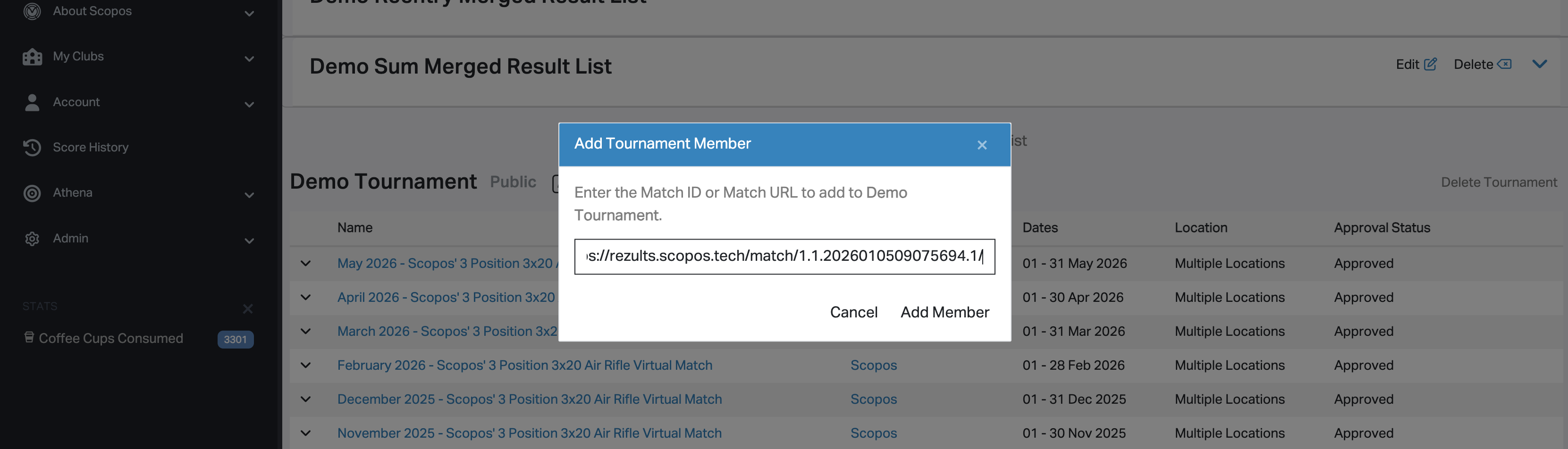
3.Enter the match Url.
4.Click Add Member.
5.Rezults records the request and shows the member as Pending Approval until a user with tournament permissions approves it.


Open Join
Use these steps when the tournament's member policy is Open Join.
1.Open the tournament page.
2.Click Join as Tournament Member.
3.Enter the match ID.
4.Click Add Member.
5.Rezults adds the match as a tournament member without waiting for a separate approval step.