Scopos Account Benefits
A Scopos Account is your gateway to all things Scopos. With a Scopos Account you can:
•Take full advantage of Rezults -- Build your athlete profile, track your score history, or view your practice scores.
•Manage your Club -- Manage your subscriptions to Orion, manage Club members, or edit your public facing Club page.
•Build Tournaments or leagues -- Build multi-match results lists and invite other Clubs to join your Tournament.
Creating a Scopos Account is free for everyone, and you do not have to be associated with a Club account to do so.
Requirements
To create a Scopos account you must be 13 years old or older. Youth accounts, for those under 13, must be created by a parent or legal guardian.
How to create your Scopos Account
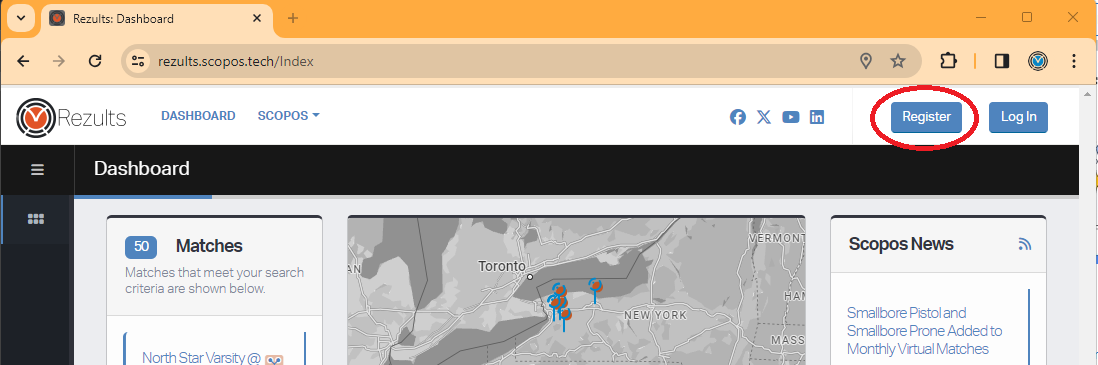
1. Navigate to https://rezults.scopos.tech and click on Register.
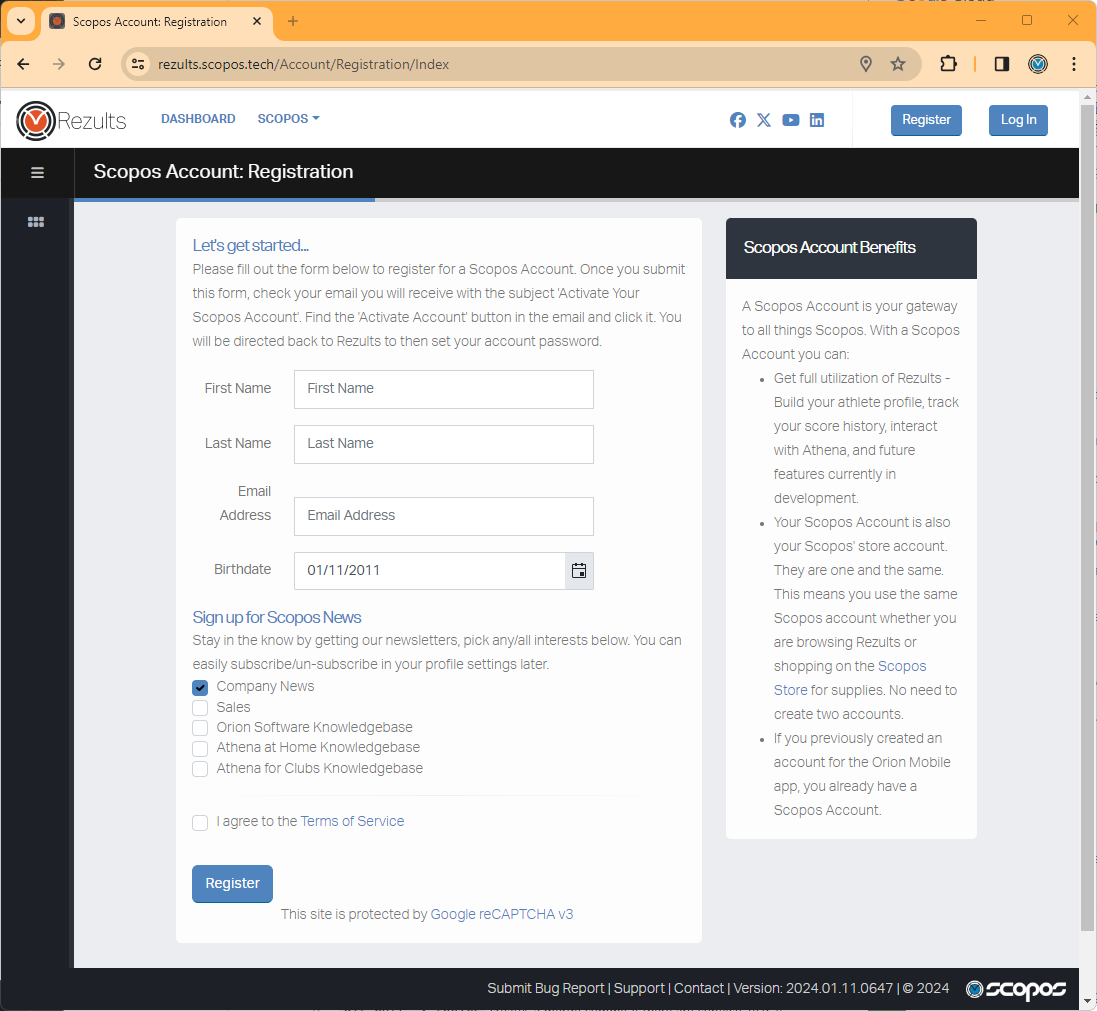
2. Enter the required information, including a first name, last name, birthdate and valid email address (this will be used to verify your account).
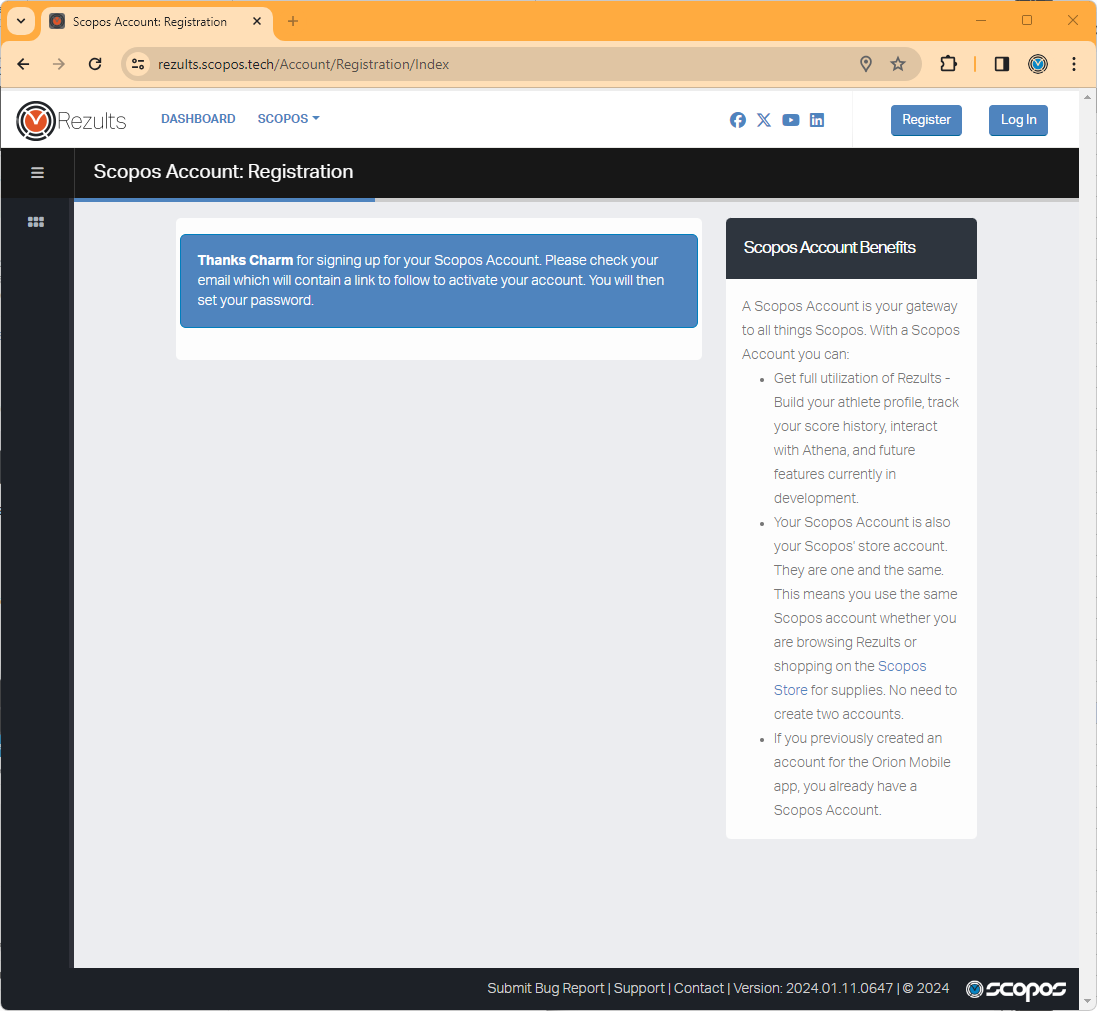
3. After you click Register, you will be prompted to check your email for the Activation button.
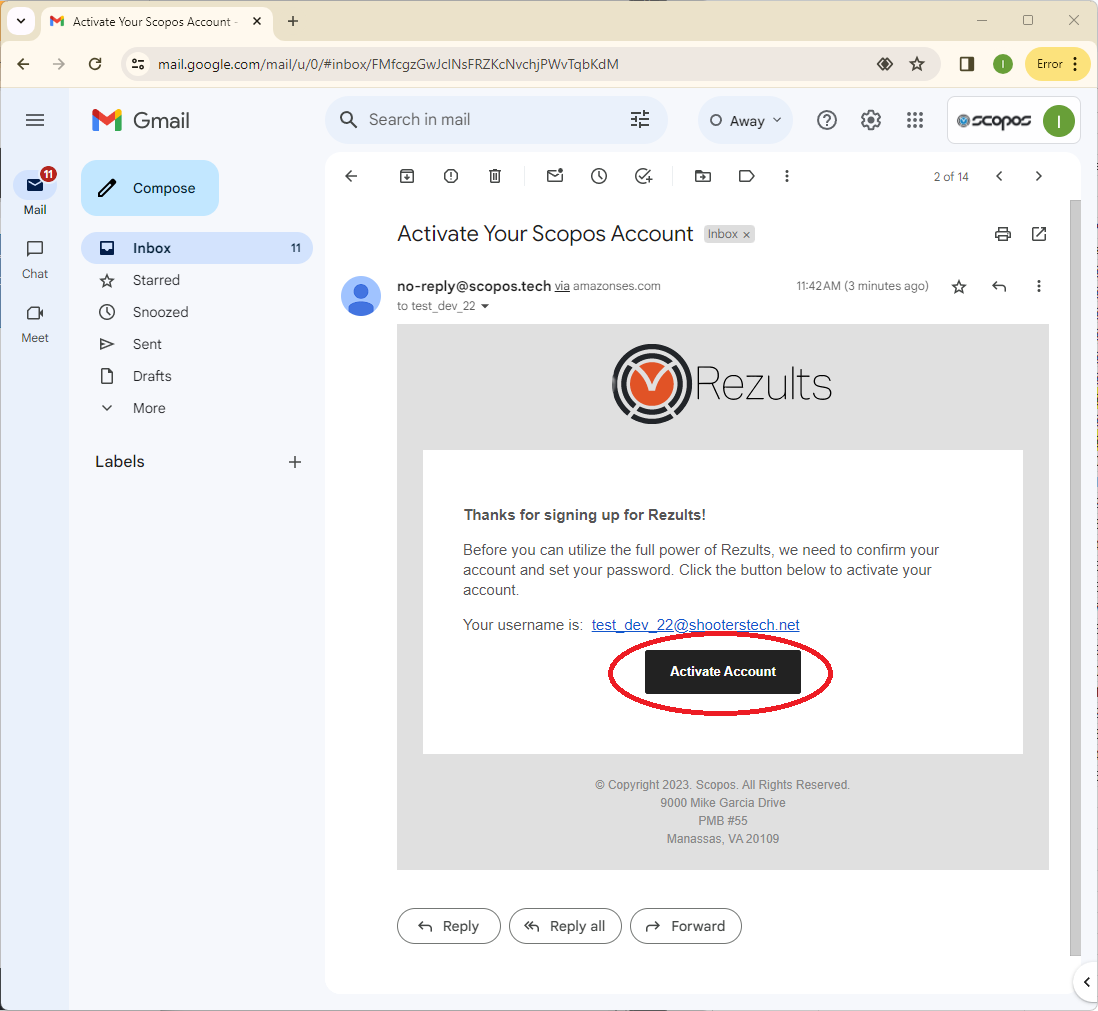
4. Check your email for the "Activate Your Scopos Account" email. Click on Activate Account to confirm your email address.
5. Type in your preferred password, and click Change Password.
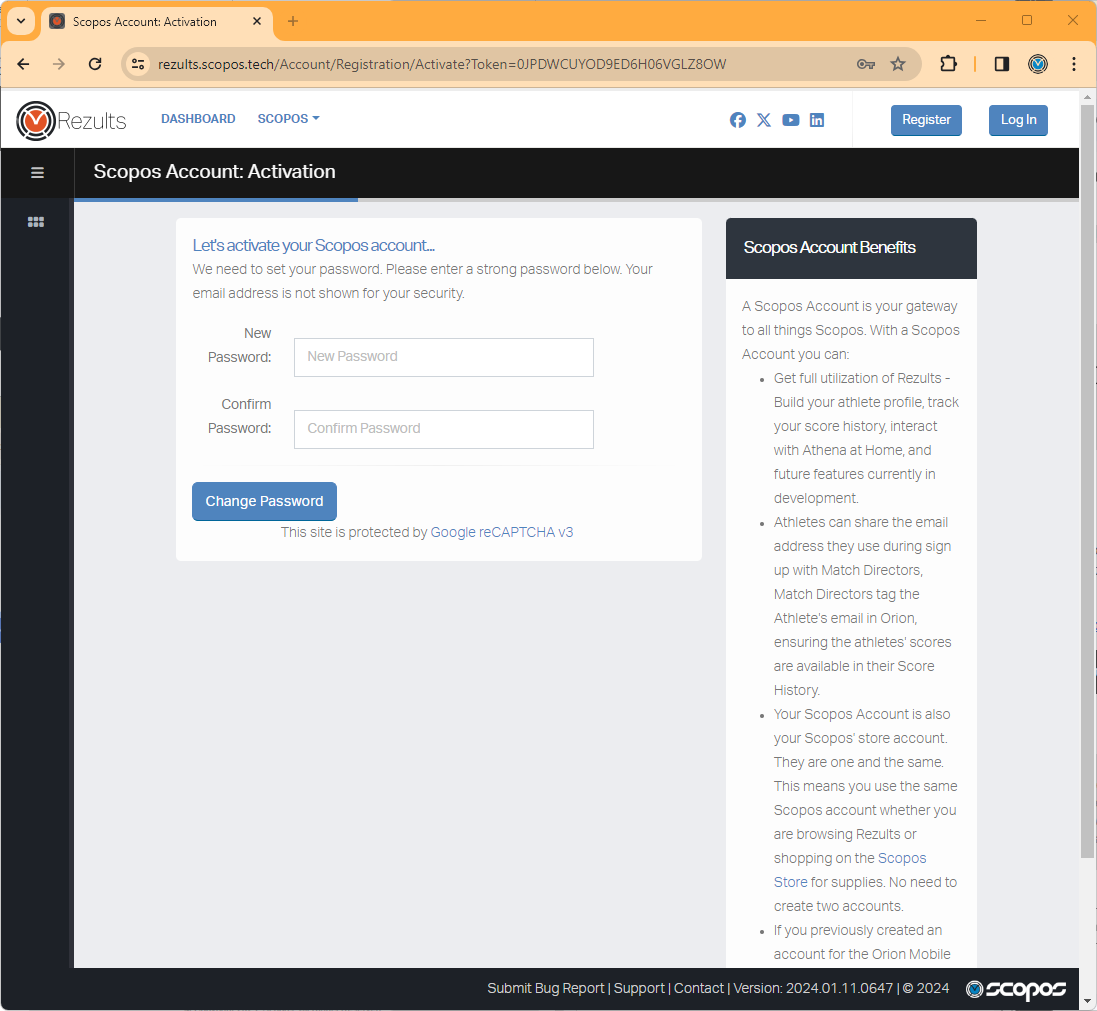
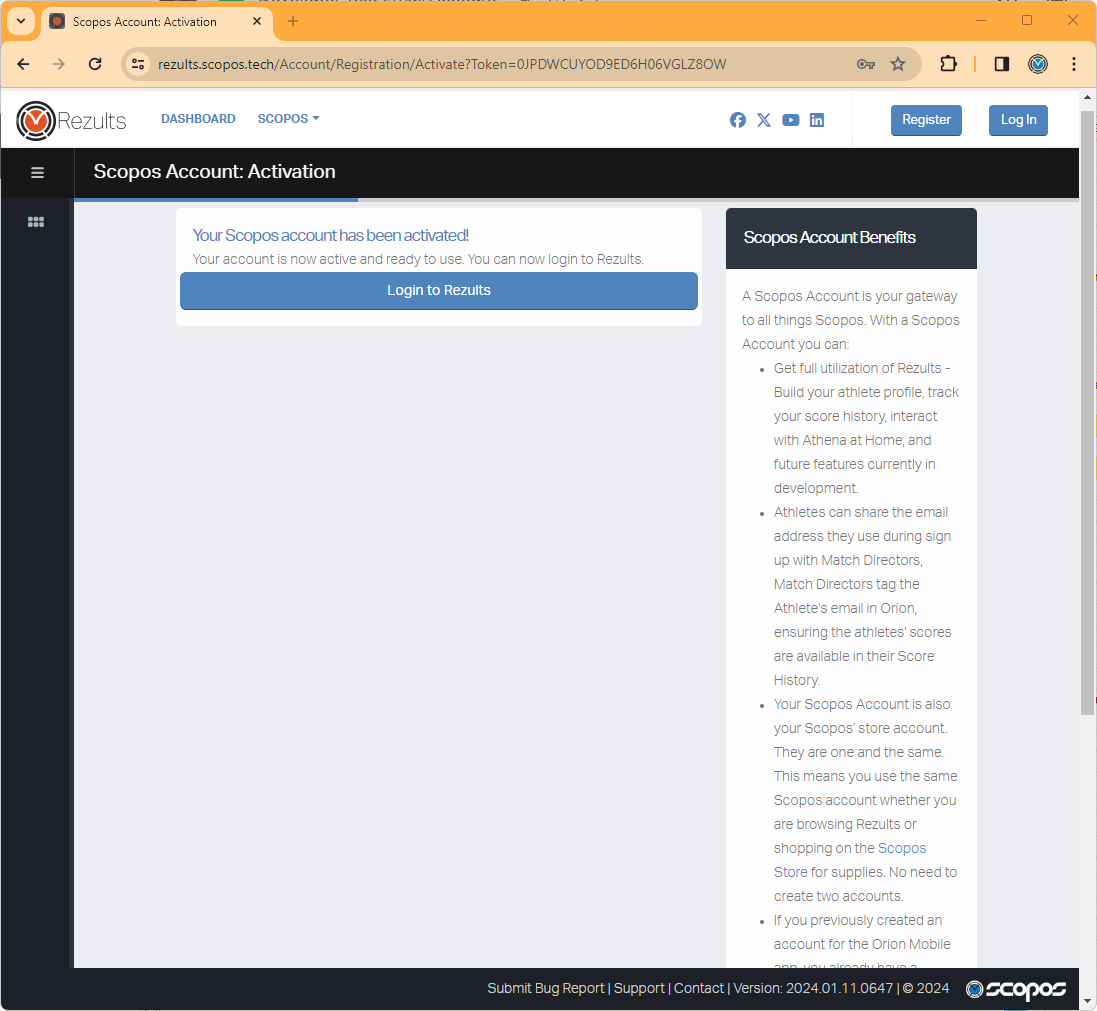
6. Finally, you can click on Log In to login to your Scopos account.
Remember, your Scopos account may be used to:
•Login to our store at www.scopos.tech.
•Login to Rezults at rezults.scopos.tech.
•Link your scores within Orion.